Changelog 2023 07 13
Fixes & improvements
Section titled “Fixes & improvements”- Control Plane: The polling interval for a branch deletion operation was decreased from approximately 20 seconds to 1 second. A branch deletion operation typically takes a few seconds but appeared to take longer due to the polling delay.
- UI: Fixed the code example copy button in the Connection Details widget, which failed to remain stationary while scrolling.
Database and role management via SQL
Section titled “Database and role management via SQL”Neon now supports database and role management via SQL. You can now manage databases and roles from the Neon SQL Editor or an SQL client, such as psql. Previously, databases and roles could only be managed in the Neon Console. 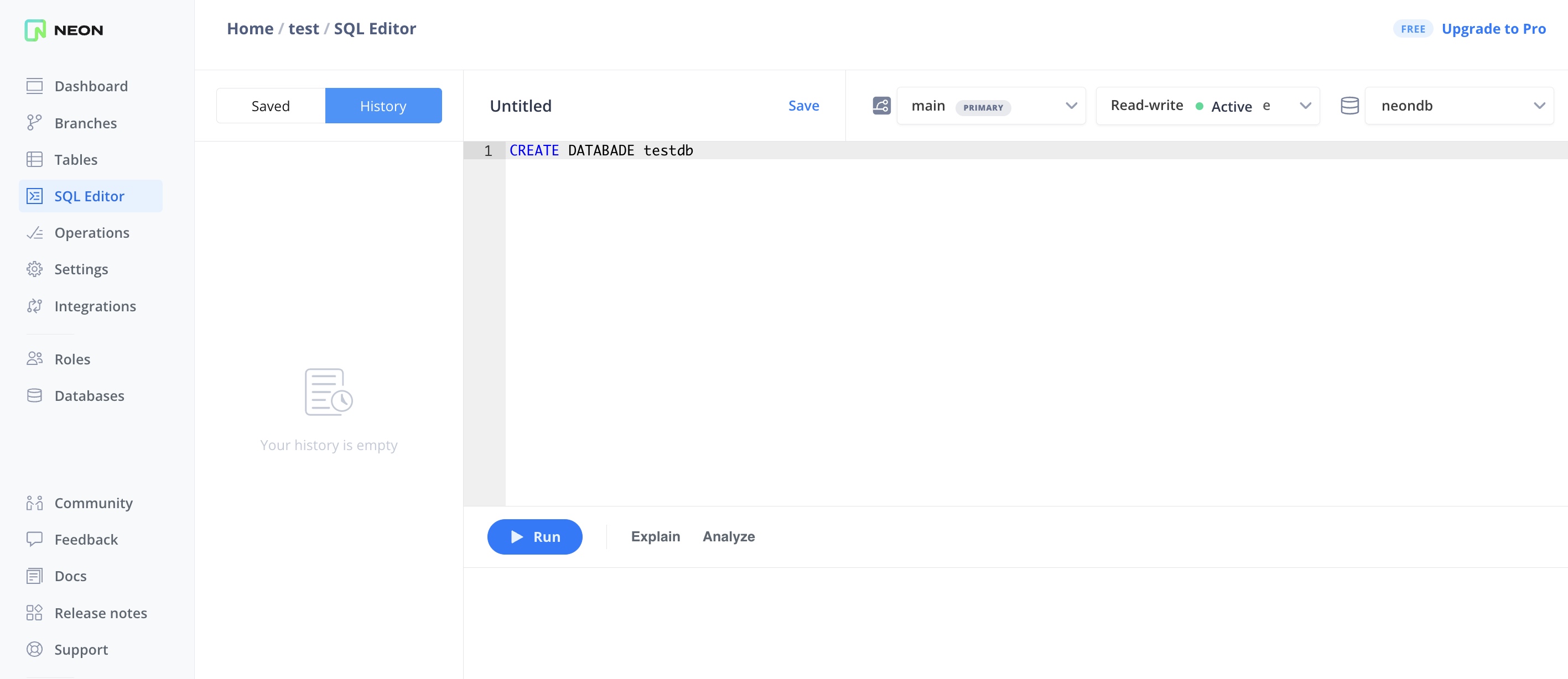
With this change, you can grant and revoke privileges for Postgres roles as you would in a stand-alone Postgres installation.
Additionally, roles created in the Neon Console, CLI, and API are now automatically granted membership in a neon_superuser role. This role defines the privileges required to perform tasks in Neon such as creating databases, roles, and extensions. To learn more, see The neon_superuser role.
Improved experience for Prisma Migrate users
Section titled “Improved experience for Prisma Migrate users”Users of Prisma Migrate no longer need to manually create a shadow database in Neon.
When using the prisma migrate dev command, Prisma Migrate automatically creates and deletes a "shadow" database. This database enables Prisma Migrate to generate new migrations and detect schema drift, ensuring that no manual changes have been made to the development database.
Previously, running prisma migrate dev without manually creating and configuring a shadow database in Neon would return the following error:
Error: A migration failed when applied to the shadow database Database error: Error querying the database: db error: ERROR: permission denied to create databaseThe reason for this error was that it was not possible in Neon to create and delete databases via SQL. To work around this issue, you had to manually create a shadow database in Neon and specify the connection string of that database in your schema.prisma file using the shadowDatabaseUrl variable. For example:
datasource db {
provider  = "postgresql"
url       = env("DATABASE_URL")
directUrl = env("DIRECT_DATABASE_URL")
shadowDatabaseUrl = env("SHADOW_DATABASE_URL")
}
With support for managing databases via SQL, this workaround is no longer required. You can now remove the shadowDatabaseUrl variable from your schema.prisma file.
For more information about this change and other recent developer experience improvements for users of Prisma, please refer to the blog post.