Changelog Jun 13, 2025 - Neon
app.build available via Homebrew, Neon MCP Server updates, and more
app.build: now available via Homebrew
Section titled “app.build: now available via Homebrew”Last week, we introduced app.build, our open-source reference implementation for building AI-powered applications on top of Neon. Unlike LLMs that generate isolated snippets, app.build uses agent architecture to turn prompts into fully deployed, production-ready applications, complete with frontend, backend, and a Neon Postgres database.
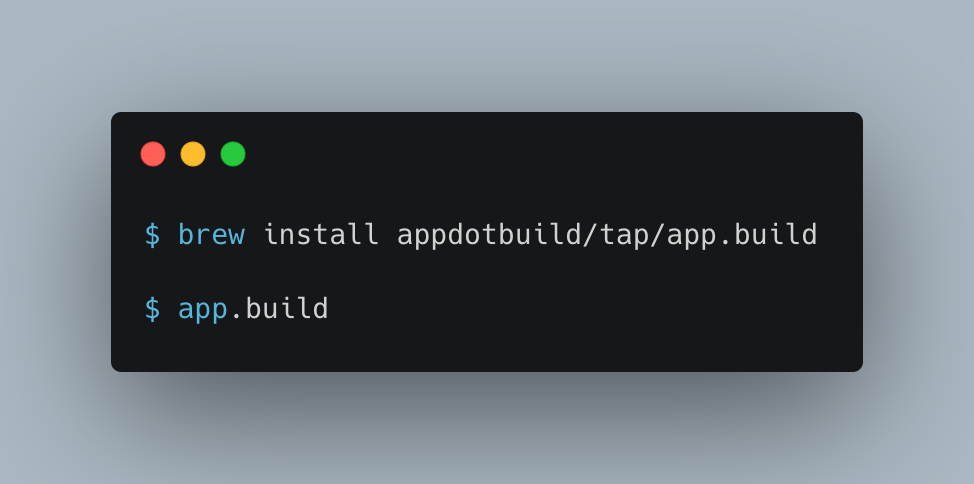
This week, in addition to installing app.build using npx, you can now install it using Homebrew.
📌 We also fixed an issue where newly built apps could flicker between the “Under Construction” page and the actual app. Apps now load consistently.
Neon MCP homepage & streamable HTTP support
Section titled “Neon MCP homepage & streamable HTTP support”-
Neon MCP Server now has a homepage: We’ve launched a new homepage for the Neon MCP Server at mcp.neon.tech, making it easier to understand what the MCP Server does and what tools it supports.
-
Streamable HTTP support: The Neon MCP Server now supports streamable HTTP as an alternative to Server-Sent Events (SSE) for streaming responses. This makes it easier to consume streamed data in environments where SSE is not ideal (such as CLI tools, backend services, or AI agents). To use streamable HTTP, make sure to use the latest remote MCP server, and specify the
https://mcp.neon.tech/mcpendpoint.JSON { "mcpServers": { "neon": { "command": "npx", "args": ["-y", "mcp-remote@latest", "https://mcp.neon.tech/mcp"] } } }
Neon Console
- We updated the Instant point-in-time restore time selector component on the Backup & Restore page. The new selector makes it a little easier to select the restore point time and date.
- Fixed an issue in the console that prevented shared projects from being displayed.