Changelog Aug 01, 2025 - Neon
app.build web ui and Laravel support, new Tables page features, and more
app.build adds web UI and Laravel support
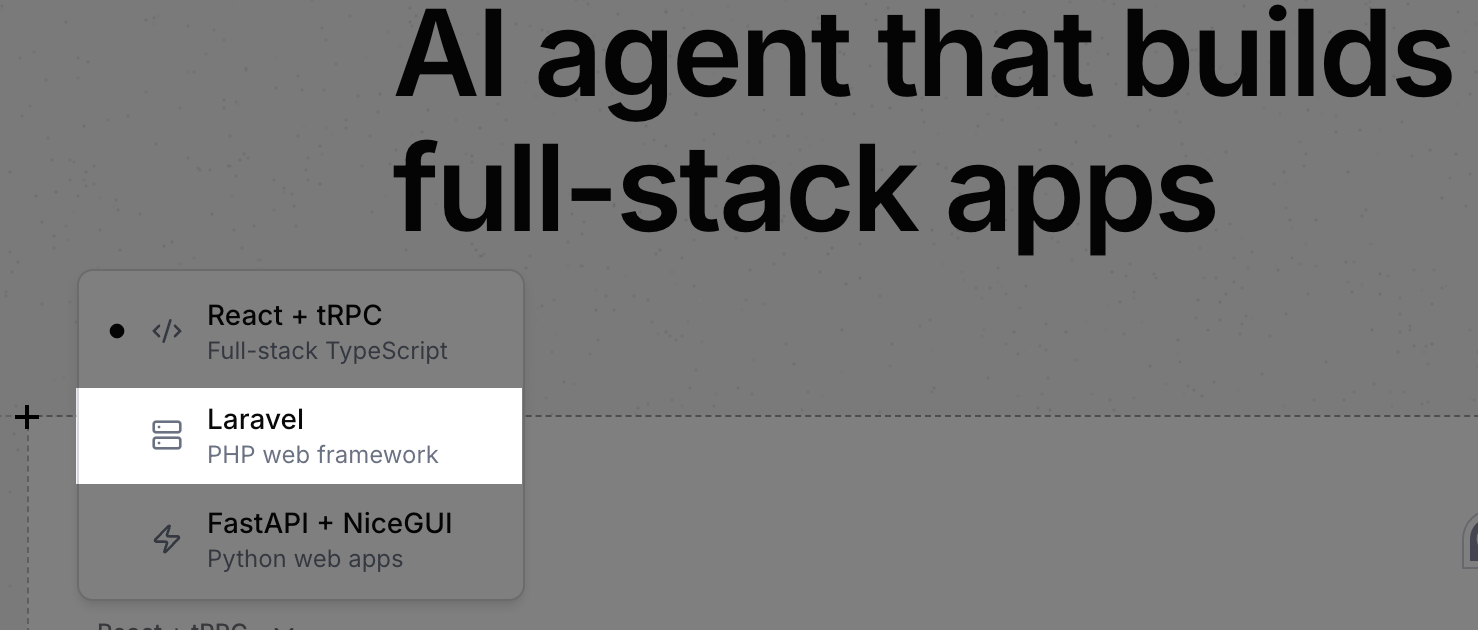
Section titled “app.build adds web UI and Laravel support”app.build, Neon's open-source reference architecture for agentic codegen, now has a web-based interface in addition to the terminal CLI, making it easier to create full-stack apps directly from your browser. Learn more in the blog post: Launching a Web UI for app.build 
app.build also now supports building and deploying Laravel apps. Check out the blog post: Generate Laravel Apps from a Prompt. Thanks to the @laravelphp team for helping us build the template 🤝
Create roles, add privileges, define RLS policies, and manage your database schema in the Neon Console
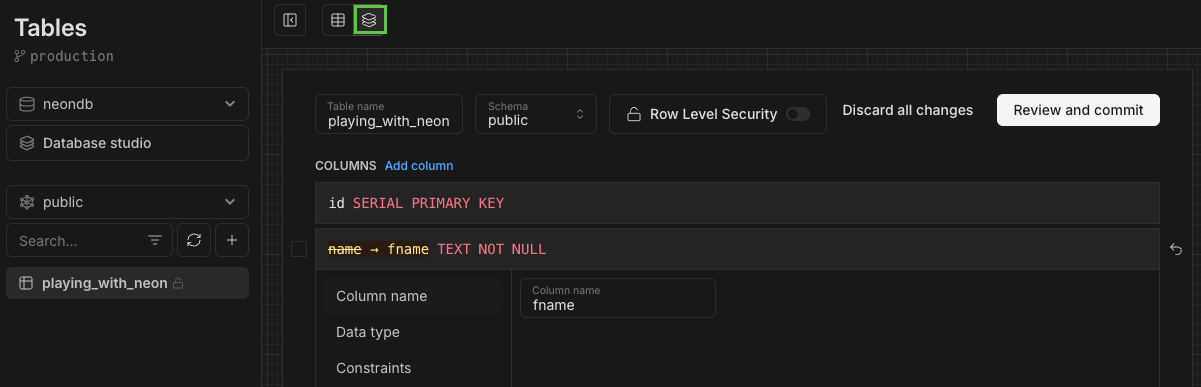
Section titled “Create roles, add privileges, define RLS policies, and manage your database schema in the Neon Console”Drizzle Studio, which powers the Tables page in the Neon Console, has been updated with several new features including a new Database studio view.
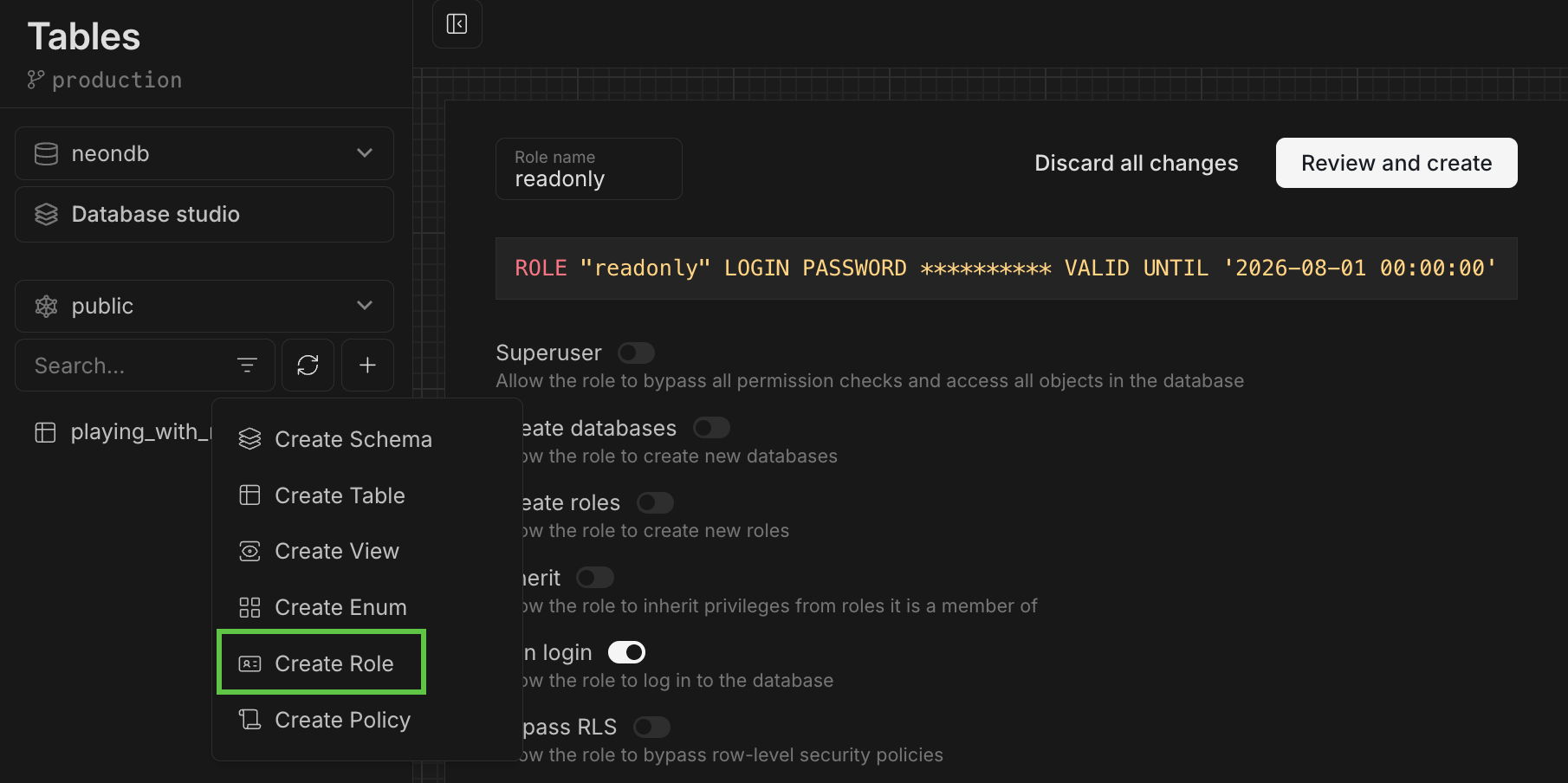
Create Postgres roles
Section titled “Create Postgres roles”You can now create Postgres roles from the Tables page. Define a role name, select from a list of commonly granted privileges, set a password, and click Review and Create.
Add privileges
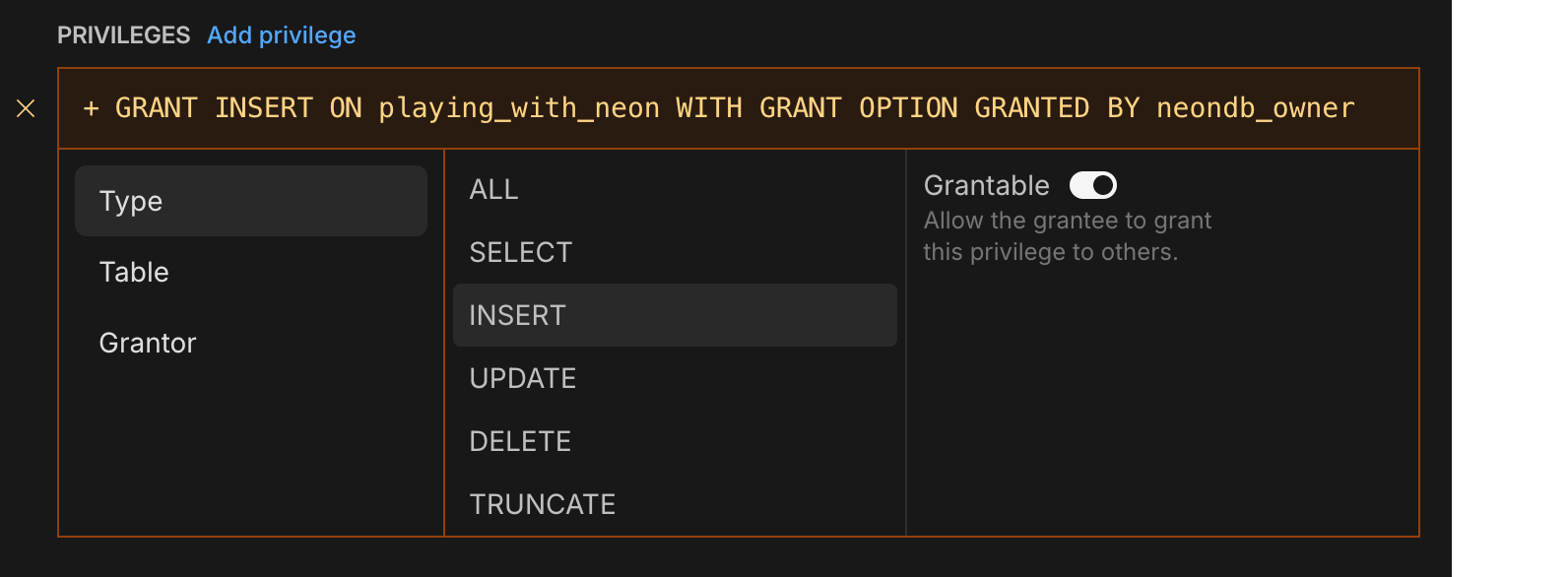
Section titled “Add privileges”For more advanced privilege assignments, click the Add privilege link when creating a role to build your GRANT statements.
Define RLS policies
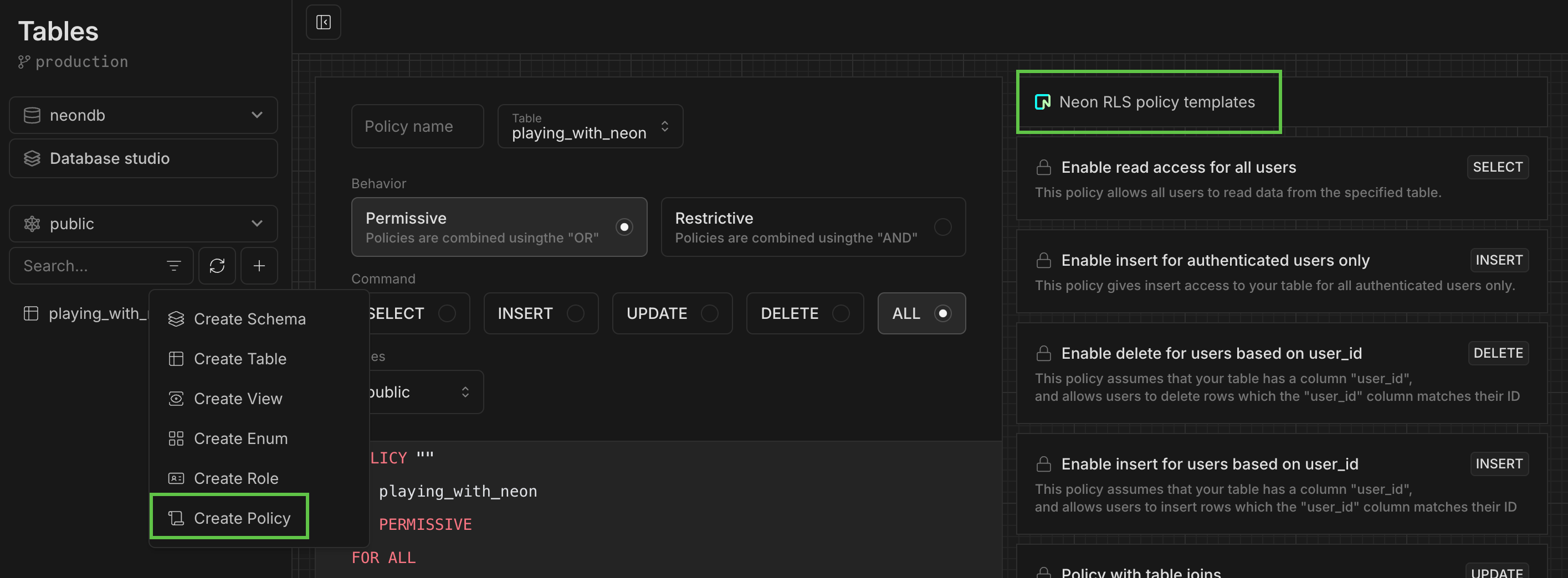
Section titled “Define RLS policies”Define your own Postgres RLS policies or use a RLS policy template. The "based on user_id" templates can be used with our Neon RLS feature, which integrates third-party JWT-based authentication providers like Auth0 and Clerk.
Manage your database schema
Section titled “Manage your database schema”View your schema definition, alter it, enable RLS, and more.
Database studio view
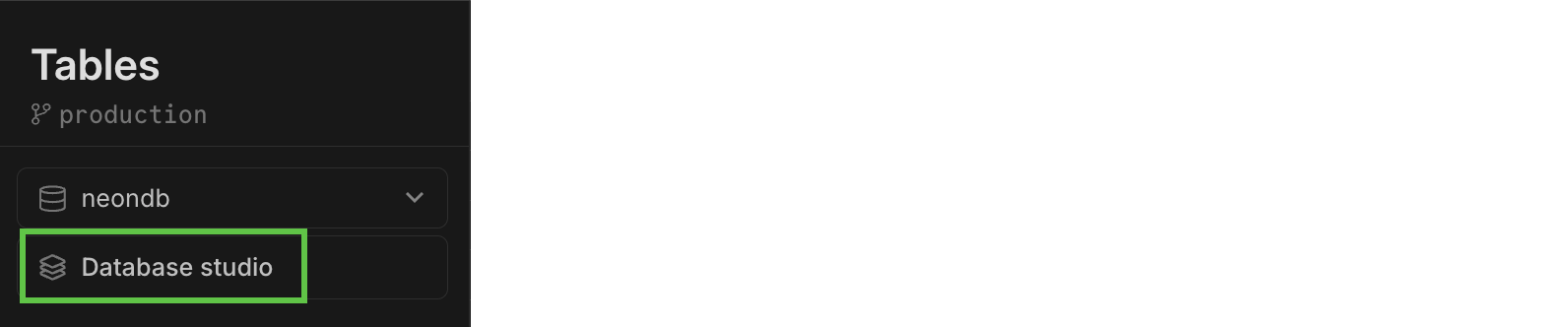
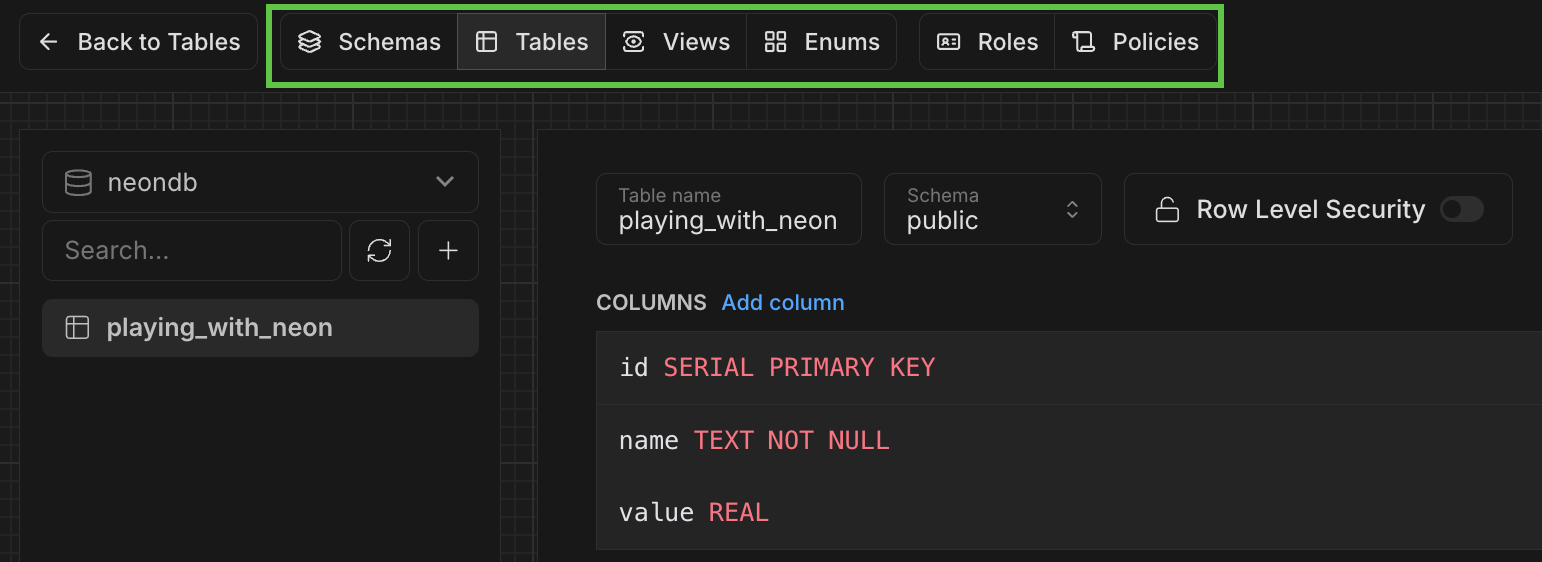
Section titled “Database studio view”The new Database studio view makes it easy to explore your database objects (including schemas, tables, views, roles, and policies) all in one place.
To open the view, select Database studio from the Tables page:
Use the top navbar to navigate:
Neon MCP extension added to Goose registry
Section titled “Neon MCP extension added to Goose registry”The Neon MCP extension is now listed in the Goose registry, making it easier for developers using Goose and Block Protocol to integrate Neon MCP into their workflows.
Improved Private Networking visibility
Section titled “Improved Private Networking visibility”Users of Private Networking can now view configured VPC endpoints on the project settings page in the Neon Console.
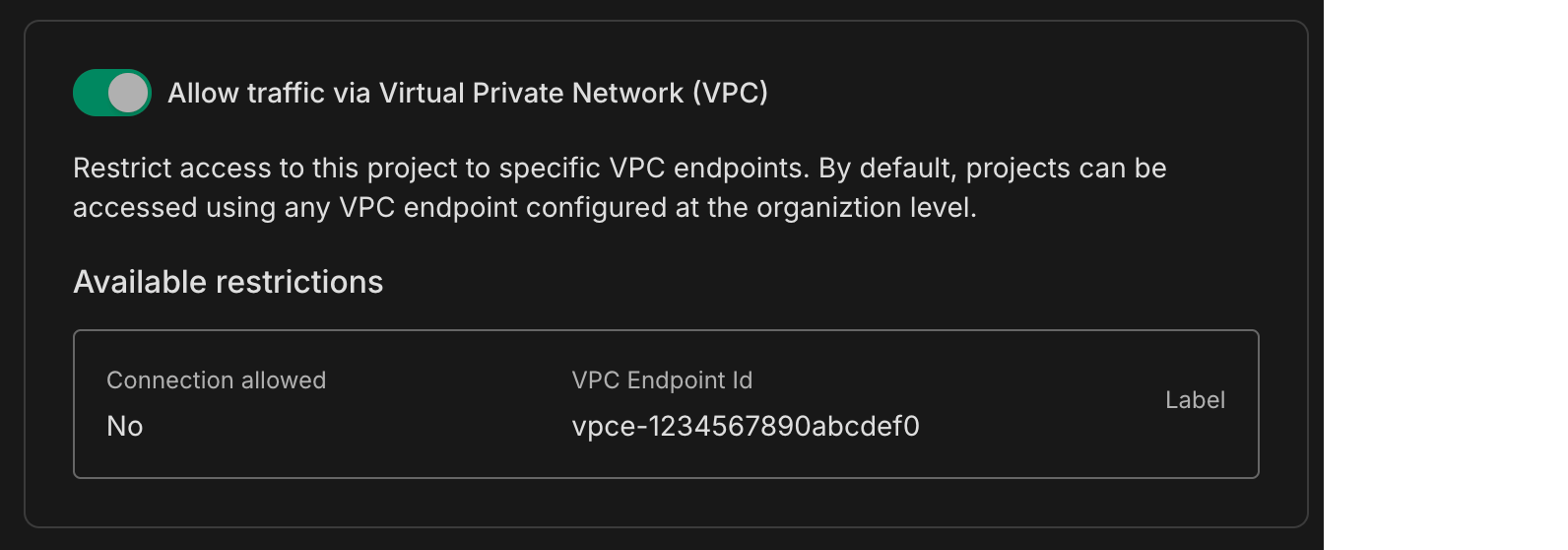
Private Networking is available on Neon's Business and Enterprise plans. If you're on a different plan, you can request a trial from your project's settings page.
Fixes
- Fixed an issue where a project shared with a collaborator was not visible in the collaborator's shared projects list.
- Fixed an issue on the Edit compute modal that caused scale values to collide when the scale included all supported autoscaling CU sizes.