One-command setup supports more agents, improved billing support, and more
One-command setup for more AI assistants
Section titled “One-command setup for more AI assistants”The npx neonctl@latest init command, which sets up Neon and configures the Neon MCP Server for you, now supports more AI assistants including VS Code, Claude Code, Cursor, Claude Desktop, Codex, OpenCode, Antigravity, Cline, Cline CLI, Gemini CLI, GitHub Copilot CLI, Goose, MCPorter, and Zed.
Run it from the root directory of your project:
npx neonctl@latest initThe init command uses add-mcp to configure the Neon MCP Server for your AI assistant. See Supported agents (add-mcp) for the full list of supported agents.
Request billing support from the Billing page
Section titled “Request billing support from the Billing page”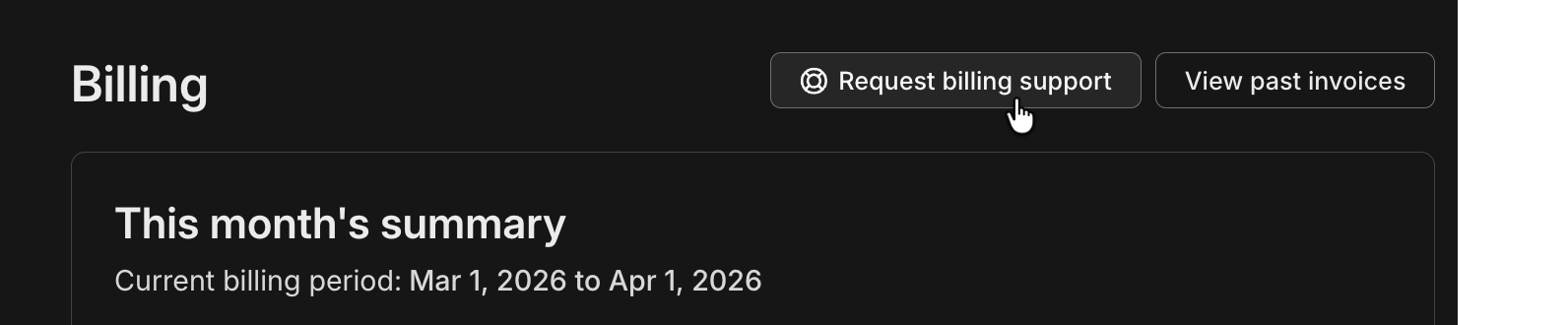
Paid plans can open Request billing support on the Billing page. The form lets you choose an invoice and describe your issue.
New examples and guides
Section titled “New examples and guides”-
neon-auth-orgs-example in neondatabase/neon-js: A small multi-tenant todo app that demonstrates Neon Auth's Organization plugin end to end. Learn more about the Organization plugin. For other Neon Auth samples, browse
examples/in that repo. -
Build your own Full-Stack Cloud Agents with Cloudflare Sandboxes and Neon Database Branching: Run a Cloudflare Sandbox worker that creates a Neon branch per task, runs an agent such as Claude Code with a branch-specific
DATABASE_URL, then commits and opens a pull request. -
Triaging pull requests with OpenCode and Neon Database Branching: Use GitHub Actions with OpenCode and Neon's
create-branch-action, so each issue-triggered run gets its own Postgres branch for schema changes, migrations, and validation before the PR.