Changelog May 08, 2026 - Neon
Faster writes with full-page writes disabled, snapshot pricing in effect, organization-wide two-factor authentication
Faster writes on Neon
Section titled “Faster writes on Neon”Neon now delivers significantly faster writes across all projects. For write-heavy workloads, this optimization delivers up to a 5x performance improvement in our testing.
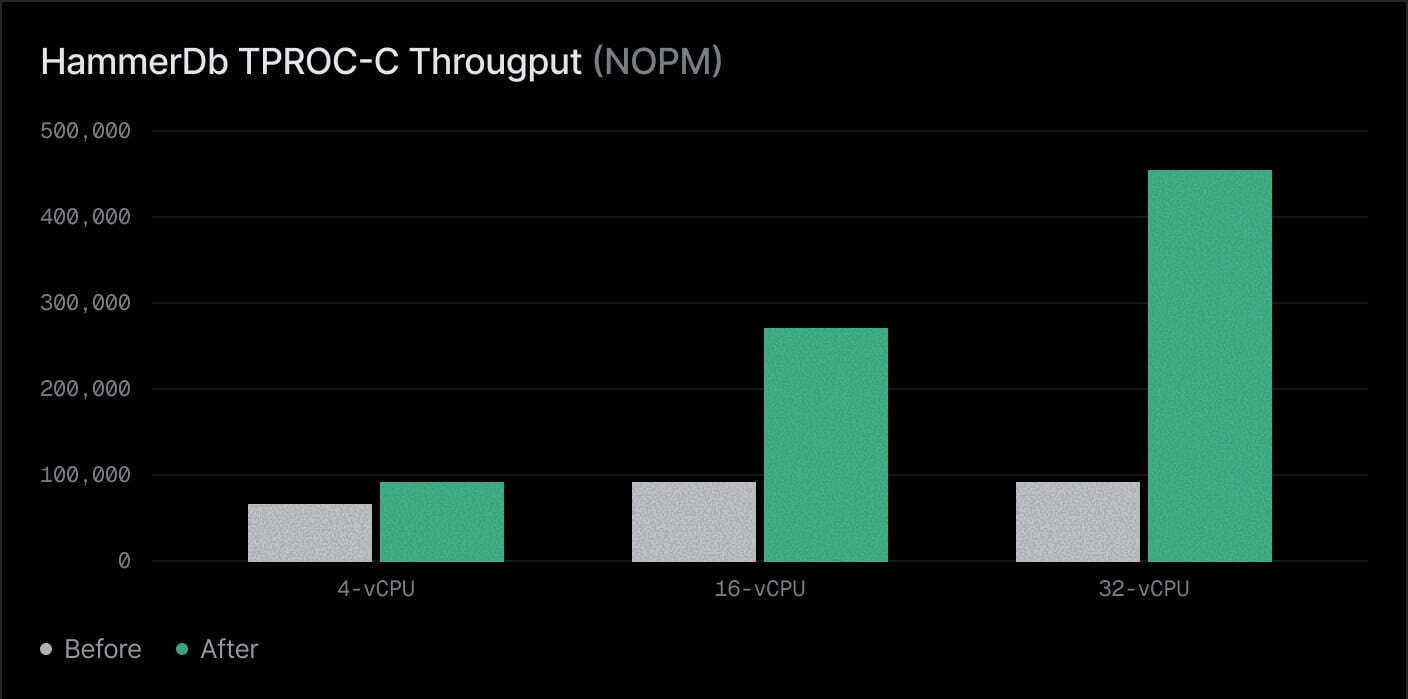
This performance enhancement comes from reducing extra write overhead in Postgres and moving more of that work to Neon's storage layer, while preserving durability.
For a technical deep dive, see the blog post: Everyone gets faster writes: Turning off FPW on Neon.
Snapshot billing
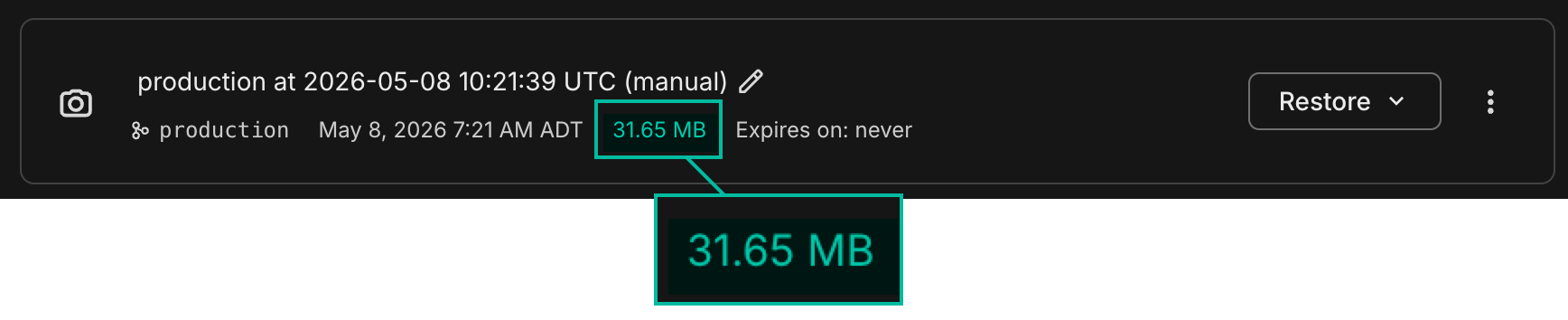
Section titled “Snapshot billing”Snapshot storage pricing took effect on May 1, 2026. Snapshots are now billed at $0.09/GB-month. This applies to both manual snapshots and snapshots created by automated backup schedules.
To review snapshot billing, visit the Billing page in the Neon Console. To view snapshot storage, see the Backup & Restore page.
For more about snapshots, see Backup & restore.
Require two-factor authentication for your organization
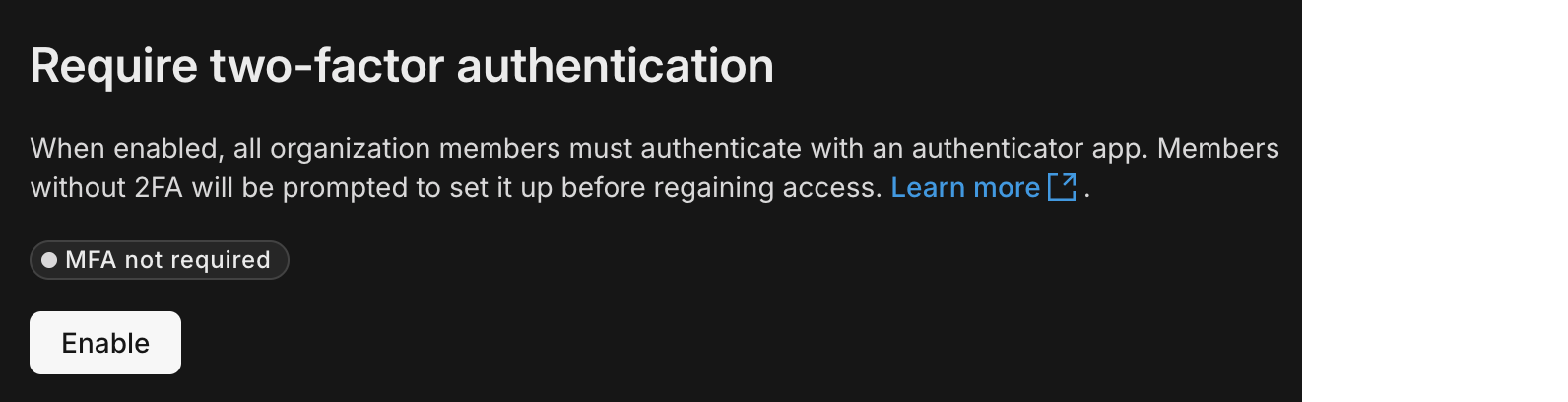
Section titled “Require two-factor authentication for your organization”Organization admins can now require two-factor authentication for everyone in the organization. You can only enable this if your own account already uses 2FA, so you don't lock yourself out while rolling out the policy. Turn this feature on in Organization → Settings.
For details, see Require 2FA for organization members.
Fixes & improvements
Section titled “Fixes & improvements”Branch expiration support for Neon Auth
Fixed an issue where enabling Neon Auth on a branch could block branch expiration (TTL) updates. You can now set or change expiration dates for Neon Auth branches. See Branch expiration.
Snapshot restore improvement
Fixed an issue where finalizing a snapshot restore could leave snapshot schedules attached to the renamed old branch. Snapshot schedules now move to the finalized branch in both restore flows, so scheduled backups continue on the active branch after finalize.
Easily view deactivated organization members
The Retrieve organization members now includes a deactivated_at value on each member's user object when that account is deactivated. In Organization → People, the Console shows a Deactivated badge in the member list (not only on the user profile), so access reviews no longer require opening every row.