Faster Lakebase Search setup, Neon CLI updates, and a Neon MCP Claude connector
Faster Lakebase Search setup
Section titled “Faster Lakebase Search setup”Lakebase Search is now easier to install. You can install both Lakebase Search extensions (lakebase_vector and lakebase_text) directly with the following CREATE EXTENSION statements from your SQL client or the Neon SQL Editor:
CREATE EXTENSION IF NOT EXISTS lakebase_vector CASCADE;
CREATE EXTENSION IF NOT EXISTS lakebase_text CASCADE;
Previously, you had to run an SQL statement first to load the supporting libraries.
We also updated both extensions to newer versions (lakebase_vector 1.0.1 and lakebase_text 0.1.1). If you already have them installed, see Update an extension to get the latest version.
Note: Get started with Lakebase Search
Lakebase Search is a pgvector-compatible alternative for vector, keyword, and hybrid search that scales past a billion vectors, builds indexes 50–100x faster than HNSW, and stays ready after a scale-to-zero cold start. Follow the getting started guide to enable the extensions, load sample data, and run your first vector and keyword searches.
Postgres minor version updates
Section titled “Postgres minor version updates”We updated supported Postgres versions to 14.24, 15.19, 16.15, 17.11, and 18.6. Minor releases bring you the latest upstream Postgres fixes and security patches.
When a new minor version is available, Neon applies it the next time your compute restarts. For more about how we handle PostgreSQL minor version updates, refer to our Postgres version support policy.
Neon CLI updates
Section titled “Neon CLI updates”Store credentials in your OS keyring. You can now keep a profile's credential in your operating system's keyring instead of a file. Pass --keyring to neon auth or neon profile create:
neon auth --keyringThe secret is stored in the macOS Keychain, Windows Credential Manager, or Linux Secret Service.
Inspect every database at once. neon inspect db now inspects every database on the branch when you omit the database name, adding a database column to the output. Pass the database name to inspect a single database, which also scopes locks and long-running-queries so their names resolve correctly.
Note: This change is also available in the Neon MCP server's inspect_database tool.
Neon MCP server now an official Claude connector
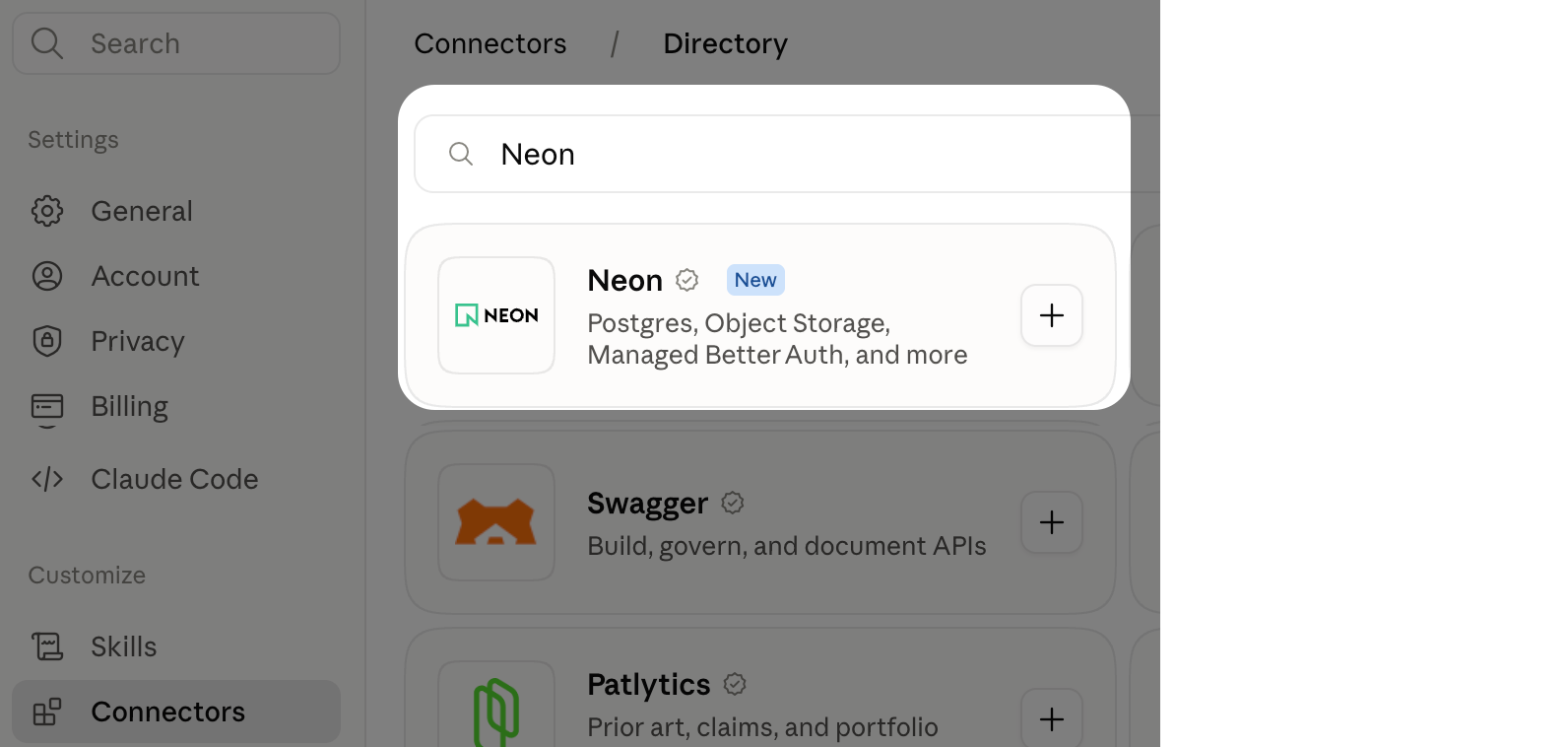
Section titled “Neon MCP server now an official Claude connector”The Neon MCP server is now listed in Claude's connectors. You can manage Neon from Claude: create projects and branches, run SQL, change schemas, and diagnose a slow query.
In Claude.ai or Claude Desktop, go to Settings > Connectors, click Browse connectors, add Neon, and authorize access to your Neon account.
Install Neon Agent Skills with Pi
Section titled “Install Neon Agent Skills with Pi”You can now install Neon Agent Skills with Pi, straight from the repository:
pi install git:github.com/neondatabase/agent-skillsPi reads the skills directly, so there's no separate sync step. This joins the existing install channels, including npx skills, the Cursor, Claude Code, Codex, and Kimi Code plugins, and neon init.
New Neon Functions guides
Section titled “New Neon Functions guides”Two new guides show what you can build on Neon Functions, which run alongside your database as part of the Neon backend:
- Automate Neon Functions deployments with GitHub Actions: set up CI/CD to deploy to production on merge and create preview functions for pull requests.
- Monitor Neon Functions with Sentry: add error tracking, structured logs, and request tracing.
Try the Neon backend
Object Storage, Functions, and AI Gateway branch with your Postgres database, so your whole stack forks together.