Admin
Managed Better Auth is built on Better Auth and provides support for Admin plugin APIs through the Neon SDK. You do not need to manually install or configure the Better Auth Admin plugin. The Admin pl...
Managed Better Auth is built on Better Auth and provides support for Admin plugin APIs through the Neon SDK. You do not need to manually install or configure the Better Auth Admin plugin.
The Admin plugin provides APIs to manage your users and their authentication state. It’s commonly used to build internal tooling (admin dashboards, support tools) that can:
- Create and update users
- Assign roles
- Ban and unban users
- List and revoke sessions
- Impersonate a user for support/debugging
Prerequisites
Section titled “Prerequisites”-
A Neon project with Auth enabled
-
An existing user with an admin role to call Admin APIs.
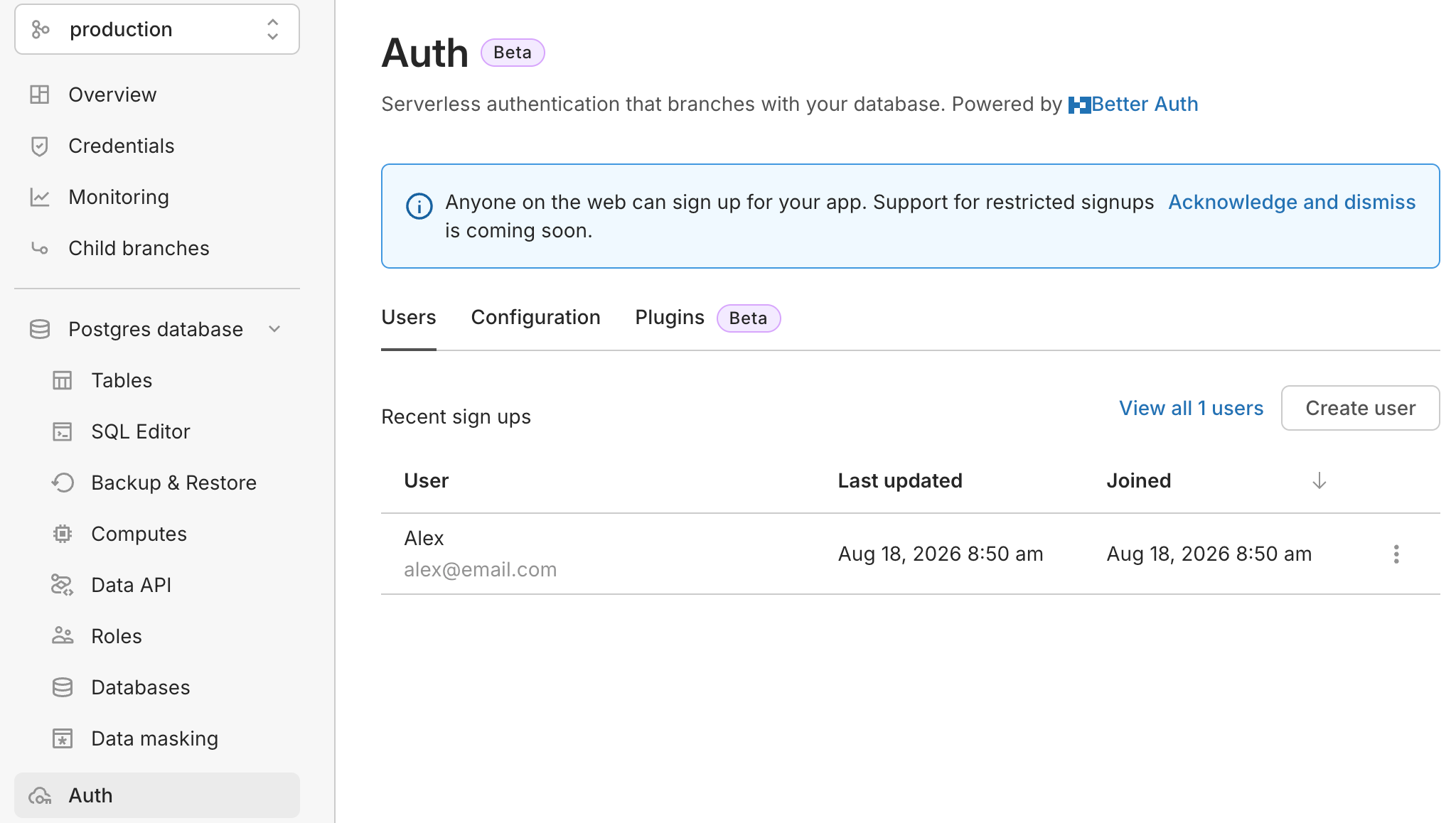
You can assign the admin role to a user through the Neon Console. Navigate to Auth → Users, open the three‑dot menu next to the user, and select Make admin.
Use Admin with SDK methods
Section titled “Use Admin with SDK methods”You can call Admin plugin methods using the Neon SDK auth client.
If you haven’t set up Managed Better Auth yet, follow the Next.js or React quick start to create an
authClient.
Create a user
Section titled “Create a user”Use the Admin APIs to create users on behalf of others (for example, back-office onboarding).
Parameters
Section titled “Parameters”View parameters
| Parameter | Type | Required | Notes |
|---|---|---|---|
| string | ✓ | Email address for the new user | |
| password | string | ✓ | Password for the new user |
| name | string | ✓ | Display name |
| role | string | string[] | undefined | Optional role(s) for the user (for example: user , admin ) | |
| data | Record<string, any> | undefined | Optional custom fields |
const { data, error } = await authClient.admin.createUser({
  email: 'user@email.com',
  password: 'secure-password',
  name: 'User Name',
  role: 'user',
  data: { customUserField: 'value' },
});
List users
Section titled “List users”List users with optional search, filtering, sorting, and pagination.
Parameters
Section titled “Parameters”View parameters
| Parameter | Type | Required | Notes |
|---|---|---|---|
| searchValue | string | undefined | Value to search for | |
| searchField | 'email' | 'name' | undefined | Field to search in | |
| searchOperator | 'contains' | 'starts_with' | 'ends_with' | undefined | Search operator | |
| limit | number | string | undefined | Max users to return (page size) | |
| offset | number | string | undefined | Number of users to skip (pagination) | |
| sortBy | string | undefined | Field to sort by | |
| sortDirection | 'asc' | 'desc' | undefined | Sort direction | |
| filterField | string | undefined | Field to filter by | |
| filterValue | string | number | boolean | undefined | Filter value | |
| filterOperator | 'eq' | 'ne' | 'lt' | 'lte' | 'gt' | 'gte' | undefined | Filter operator |
const { data, error } = await authClient.admin.listUsers({
  query: {
    // Following parameters are optional
    searchValue: 'text to search',
    searchField: 'email',
    searchOperator: 'contains',
    limit: 10,
    offset: 0,
    sortBy: 'name',
    sortDirection: 'asc',
  },
});
Use
filterField,filterValue, andfilterOperatorto further filter results (for example, by role etc)
The data object contains a list of users and pagination metadata:
{
  users: [/* array of user objects */],
  total: 100, // total number of users matching the query
  limit: 10,  // limit used in the query
  offset: 0   // offset used in the query
}
Use the total, limit, and offset values to implement pagination in your admin tooling.
Set a user role
Section titled “Set a user role”Assign roles to control who can call admin operations.
Parameters
Section titled “Parameters”View parameters
| Parameter | Type | Required | Notes |
|---|---|---|---|
| userId | string | ✓ | The user ID to update |
| role | string | string[] | ✓ | Role(s) to apply (for example, admin ) |
const { error } = await authClient.admin.setRole({ userId: 'user-id', role: 'admin' });Set a user password
Section titled “Set a user password”Set or reset a user’s password.
View parameters
| Parameter | Type | Required | Notes |
|---|---|---|---|
| userId | string | ✓ | The user ID to update |
| newPassword | string | ✓ | The new password |
const { error } = await authClient.admin.setUserPassword({
  userId: 'user-id',
  newPassword: 'new-secure-password',
});
Update user details
Section titled “Update user details”Update user information such as email, name, and custom fields.
View parameters
| Parameter | Type | Required | Notes |
|---|---|---|---|
| userId | string | ✓ | The user ID to update |
| data | Record<string, any> | ✓ | Fields to update (email, name, custom fields) |
const { error } = await authClient.admin.updateUser({
  userId: 'user-id',
  data: { name: 'New Name' },
});
Ban user
Section titled “Ban user”Banning prevents sign-in for a user. You can optionally provide a reason and expiration for the ban.
View parameters
| Parameter | Type | Required | Notes |
|---|---|---|---|
| userId | string | ✓ | The user ID to ban |
| banReason | string | undefined | Reason for the ban | |
| banExpiresIn | number | undefined | Duration in seconds until the ban expires. If not provided, the ban does not expire |
const { error } = await authClient.admin.banUser({
  userId: 'user-id',
  banReason: 'Policy violation',
  // banExpiresIn: 60 * 60 * 24, // optional (seconds)
});
Unban user
Section titled “Unban user”Unban a previously banned user.
View parameters
| Parameter | Type | Required | Notes |
|---|---|---|---|
| userId | string | ✓ | The user ID to unban |
const { error } = await authClient.admin.unbanUser({ userId: 'user-id' });Manage sessions
Section titled “Manage sessions”Use session APIs to view active sessions and revoke them.
List sessions
Section titled “List sessions”View parameters
| Parameter | Type | Required | Notes |
|---|---|---|---|
| userId | string | ✓ | The user ID whose sessions you want to list |
const { data, error } = await authClient.admin.listUserSessions({ userId: 'user-id' });Revoke a session
Section titled “Revoke a session”View parameters
| Parameter | Type | Required | Notes |
|---|---|---|---|
| sessionToken | string | ✓ | The session token to revoke |
const { error } = await authClient.admin.revokeUserSession({ sessionToken: 'session-token' });Revoke all sessions
Section titled “Revoke all sessions”View parameters
| Parameter | Type | Required | Notes |
|---|---|---|---|
| userId | string | ✓ | The user ID whose sessions you want to revoke |
const { error } = await authClient.admin.revokeUserSessions({ userId: 'user-id' });Impersonate a user
Section titled “Impersonate a user”Impersonation creates a session that behaves like the target user (useful for support and debugging).
View parameters
| Parameter | Type | Required | Notes |
|---|---|---|---|
| userId | string | ✓ | The user ID to impersonate |
const { data, error } = await authClient.admin.impersonateUser({ userId: 'user-id' });Stop impersonation
Section titled “Stop impersonation”Stop an active impersonation session.
View parameters
This method does not take any parameters.
const { error } = await authClient.admin.stopImpersonating();Limitations
Section titled “Limitations”- Admin operations require an authenticated session (HTTP-only cookies). This means your admin tooling must run on the same site that can send those cookies to the Managed Better Auth API.
- Impersonation sessions are intentionally time‑limited, lasting for the duration of the active browser session or up to 1 hour. This design helps minimize security risks associated with long‑lived impersonation.
Need help?
Section titled “Need help?”Join our Discord Server to ask questions or see what others are doing with Neon. For paid plan support options, see Support.