Chat with Lakebase Postgres with AskYourDatabase
Chat with your Lakebase Postgres database without writing SQL
AskYourDatabase is the ChatGPT for SQL databases, enabling you to interact with your SQL databases using natural language. You can use it for data management, business intelligence, schema design & migration, data visualization, and more. To learn more, see AskYourDatabase.
This guide shows how to connect from AskYourDatabase to Lakebase Postgres.
Prerequisites
Section titled “Prerequisites”- AskYourDatabase Desktop app. See Download AskYourDatabase.
- A Neon project. See Create a Neon project.
Connect to Neon from AskYourDatabase
Section titled “Connect to Neon from AskYourDatabase”-
Get the Neon URL by navigating to the Neon Console and copying the connection string. The URL will look something like this:
text postgresql://alex:AbC123dEf@ep-cool-darkness-123456.us-east-2.aws.neon.tech/dbname?sslmode=require&channel_binding=require -
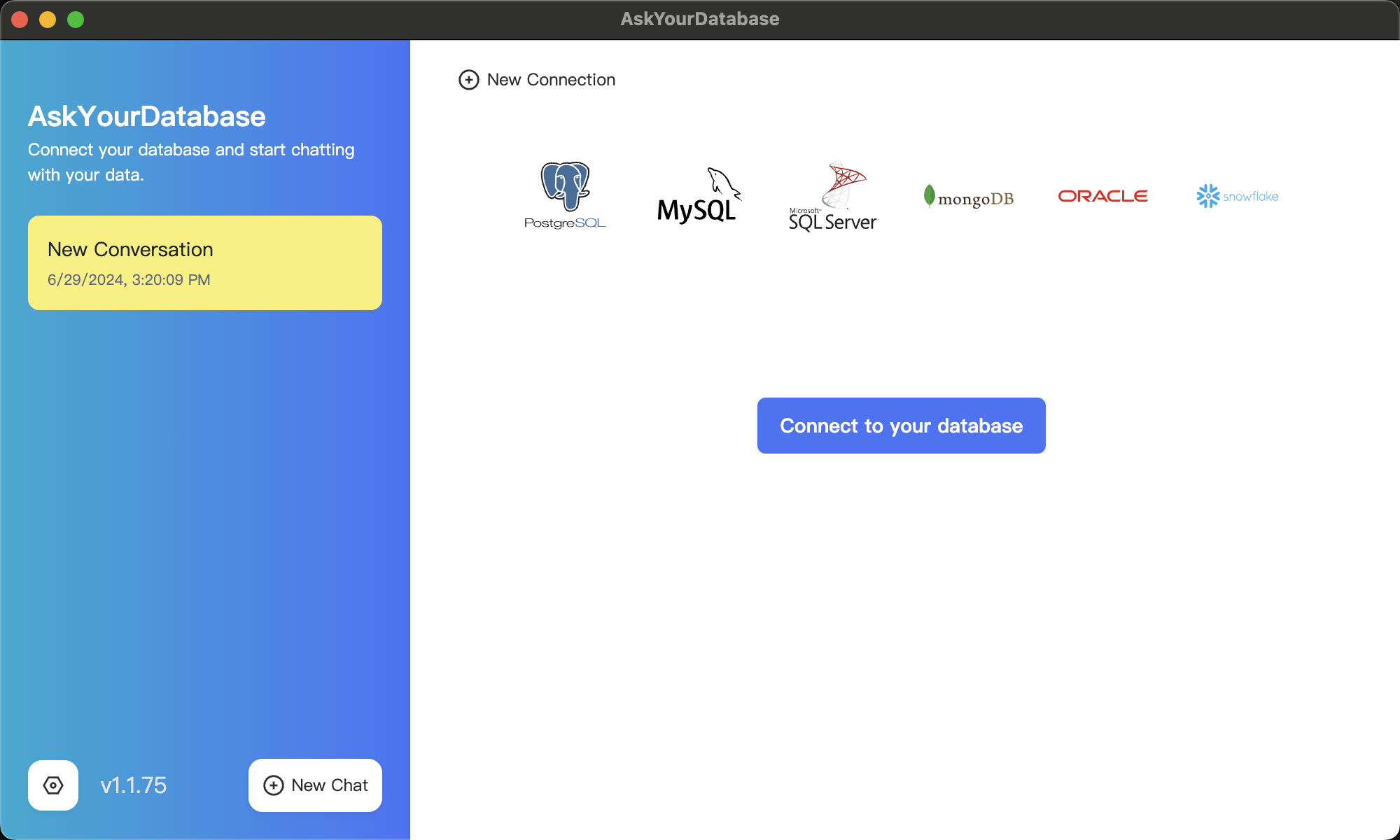
Go to AskYourDatabase and click Connect to your database:
-
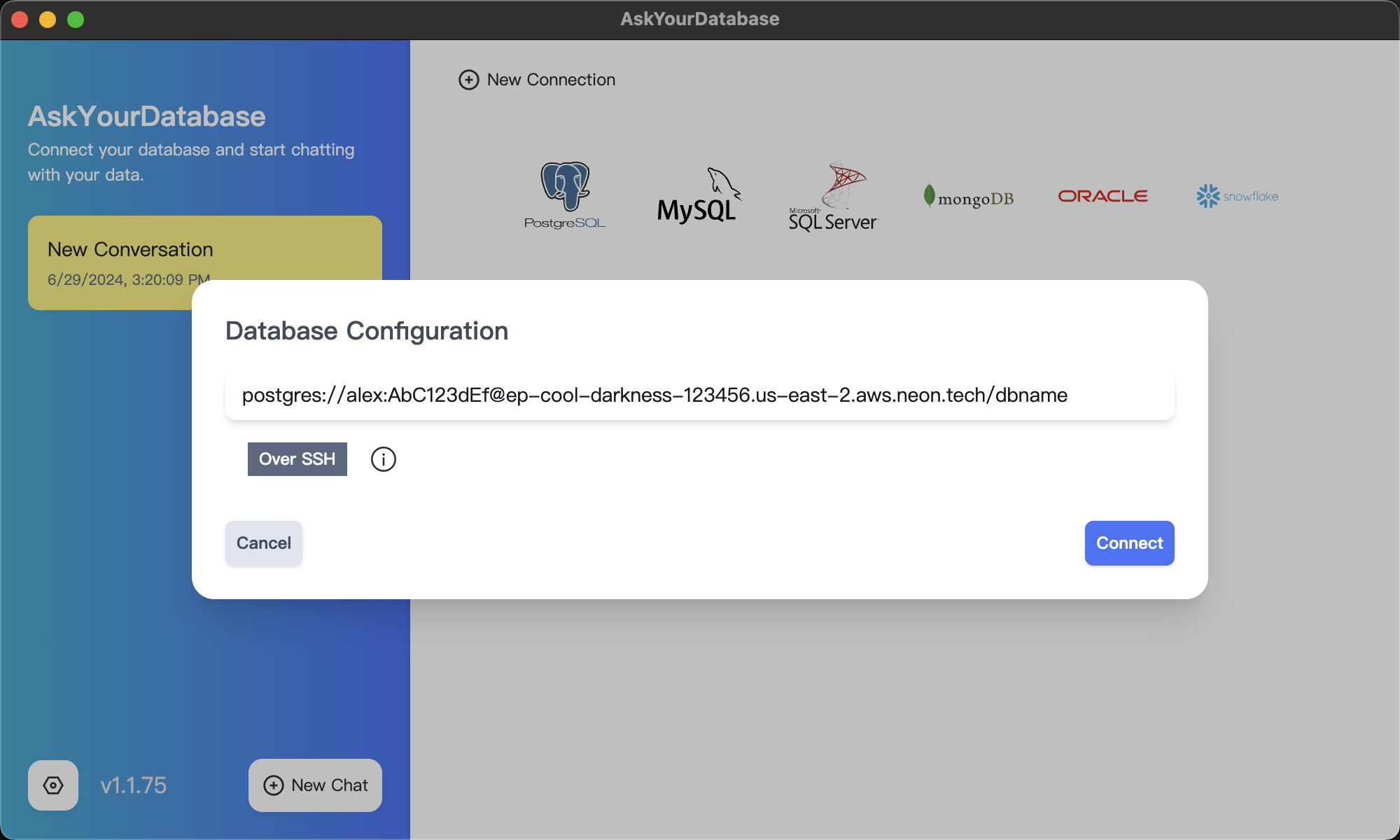
Select PostgreSQL as your database type, and paste your connection string:
-
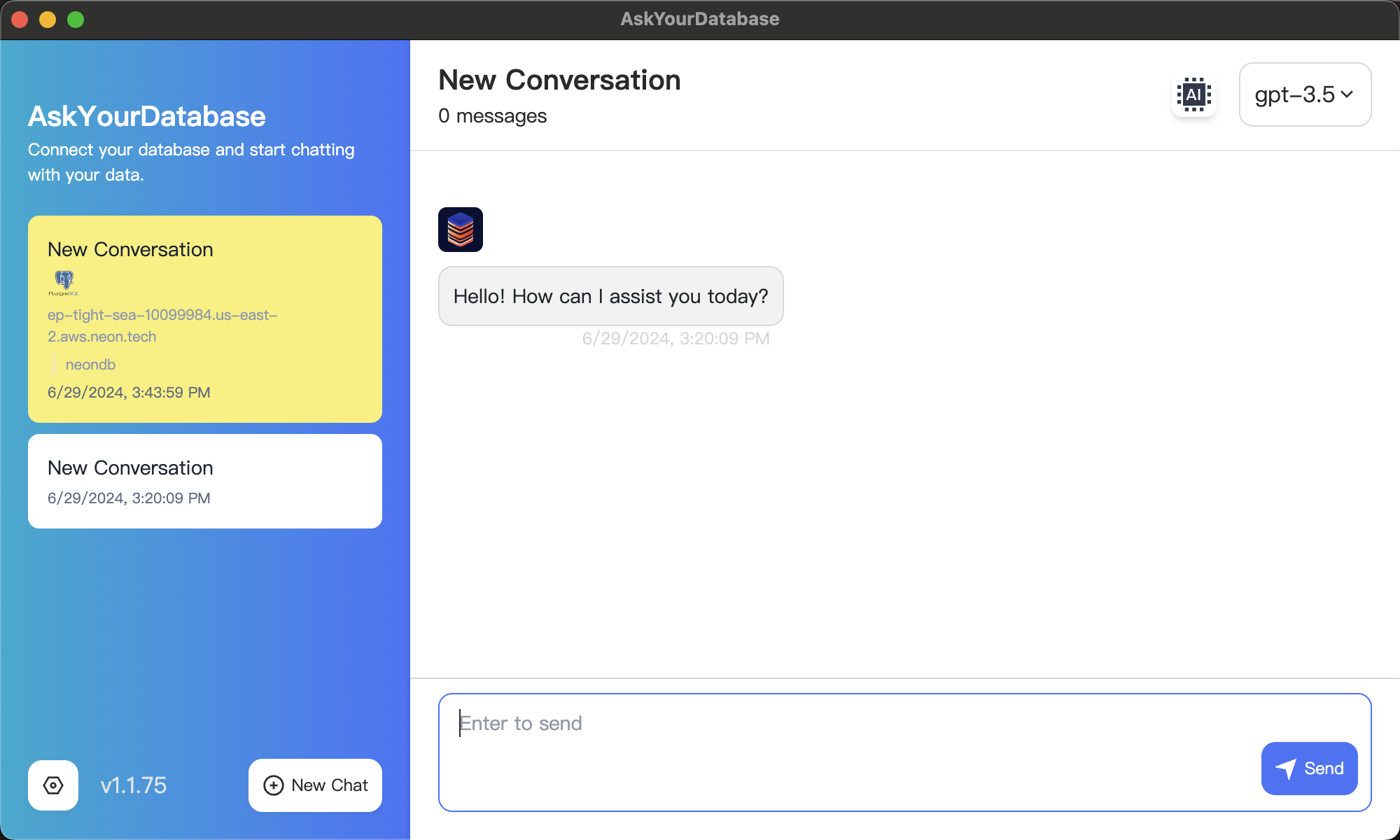
A new chat session opens if the connection is successful:
Chat with your data
Section titled “Chat with your data”Within the chat session, you can start asking your database questions.
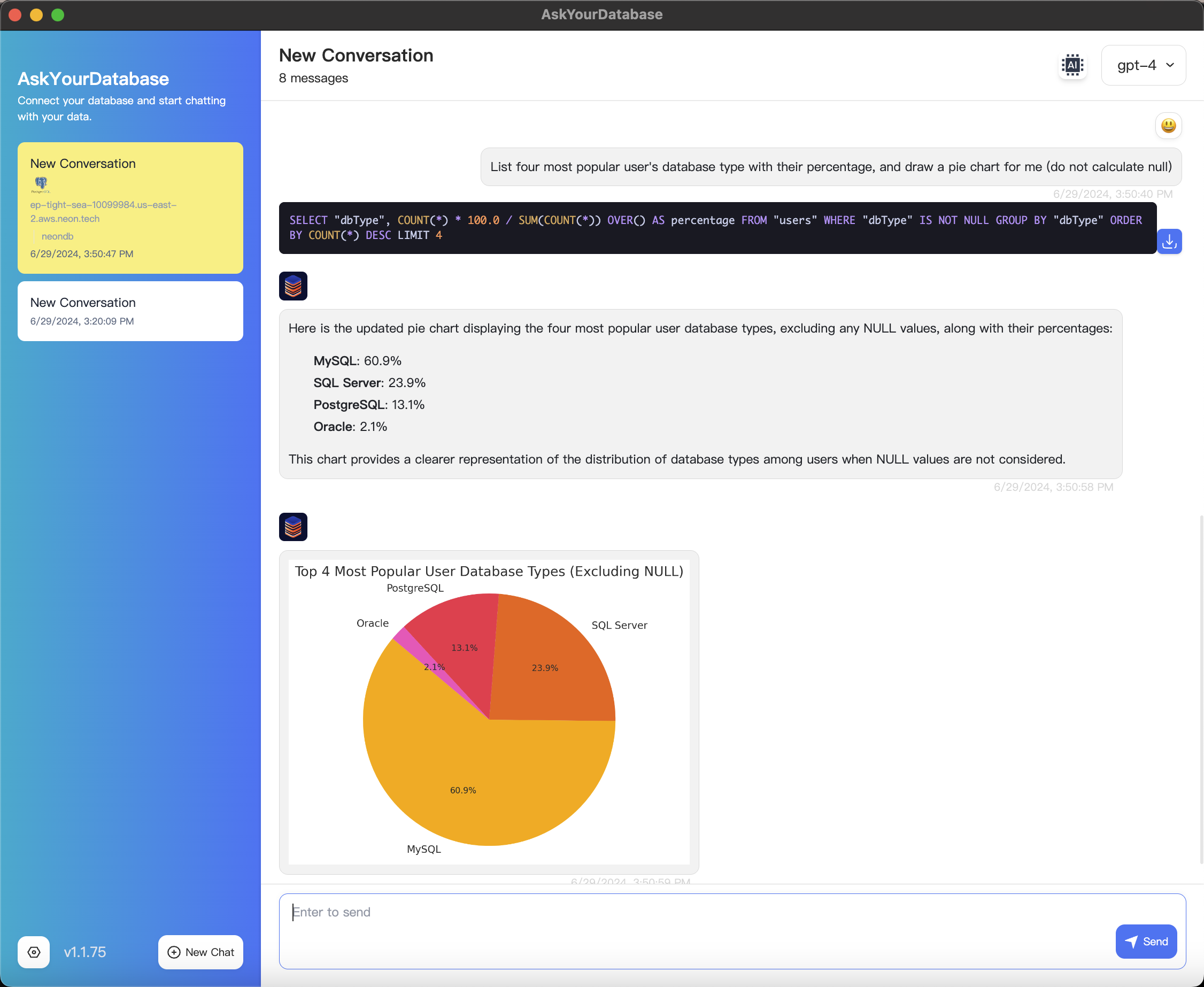
For example, suppose you have a user table with a column named dbType that indicates the type of database.
If you want to know what the four most popular databases are and visualize the distribution in a pie chart, you can quickly and easily do so with a natural language question, as shown below:
What's more
Section titled “What's more”AskYourDatabase also supports a customer-facing chatbot that can connect to a Lakebase Postgres database. You can embed the chatbot in your existing website, enabling your customers to explore analytics data by asking questions in natural language. To learn more, see Create and Integrate Chatbot, in the AskYourDatabase documentation.